# How to Void a Trade
Release #242, on June 23, 2022, introduced the ability to easily void a trade, essentially deleting the trade while maintaining the reporting data up to the void date.
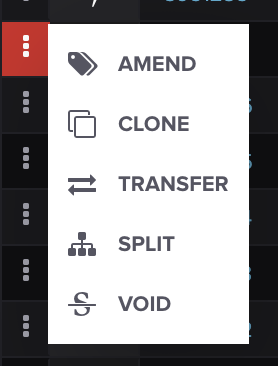
On the **TRADES** screen, find the trade you wish to void, click the hamburger action menu and select **VOID:**
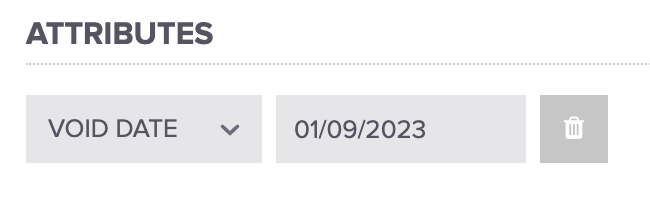
From there, you can update the void date and press **SAVE** when finished:
All valuation entries for this trade with a reporting date greater than or equal to the void date will be deleted.
#### Voiding a Group of Trades
You can read about how to group trades [here](/core-functionality/core-features/specialized-features/trades/trades-screen/how-to-group-ungroup-trades.md).
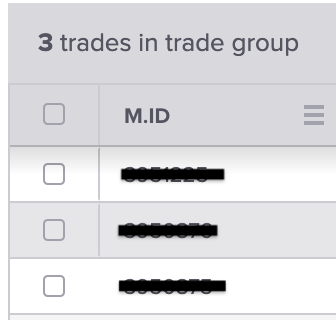
Then, select the trades you'd like to group by hovering over the commodity icon on the left-hand side and checking the boxes like this:
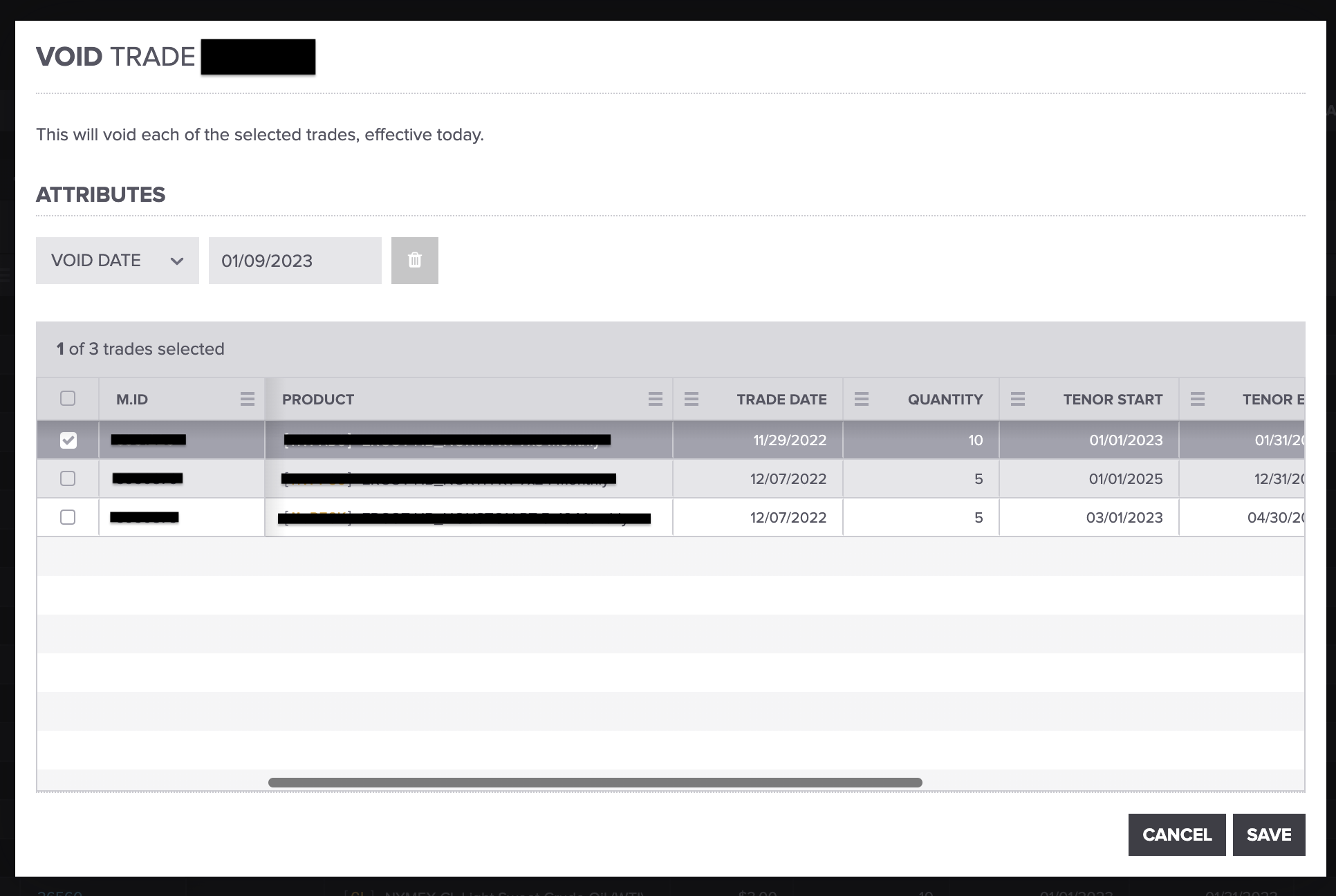
Follow the steps above to void the trade but remember to select which trades in the group you'd like to void:
Add the **VOID DATE**, and press **SAVE** when you're finished.
#### Viewing Voided Trades
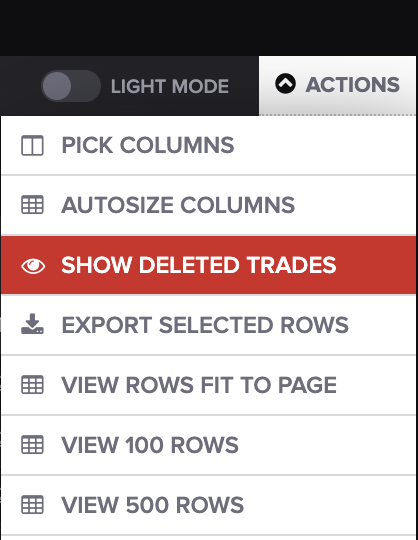
Voided trades can still be viewed in the application by selecting **SHOW DELETED TRADES** from the actions menu of the Trades screen:
That's it! We hope this will save you some time. If you have any questions, please let us know at
---
# Agent Instructions: Querying This Documentation
If you need additional information that is not directly available in this page, you can query the documentation dynamically by asking a question.
Perform an HTTP GET request on the current page URL with the `ask` query parameter:
```
GET https://help.molecule.io/core-functionality/core-features/specialized-features/trades/trade-amendments/how-to-void-a-trade.md?ask=
```
The question should be specific, self-contained, and written in natural language.
The response will contain a direct answer to the question and relevant excerpts and sources from the documentation.
Use this mechanism when the answer is not explicitly present in the current page, you need clarification or additional context, or you want to retrieve related documentation sections.