# How to Transfer a Position
Molecule provides a quick-and-easy way to move a **position**, or a quantity not related to a trade, to another book. This can be easily done via the trade entry screen.
Note that this is different from transferring a trade. For more on that topic, see [How to Transfer a Trade](https://help.molecule.io/article/svu6eux3y6-how-to-transfer-a-trade).
#### Steps
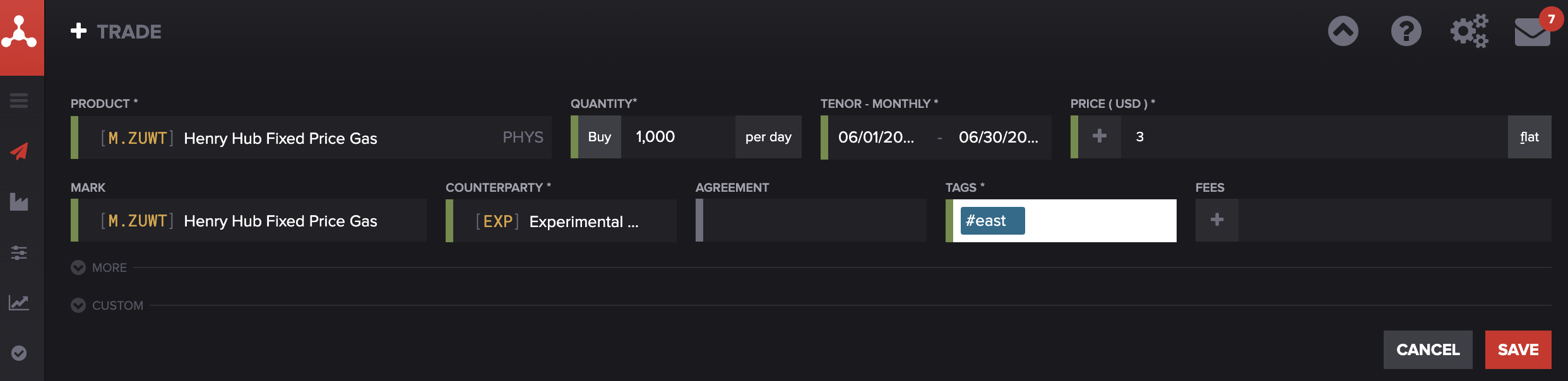
To start, enter the destination position as a trade, with a product that represents the thing being transferred. In the Tags field, enter the **destination** book. In the Counterparty field, consider entering your own company.
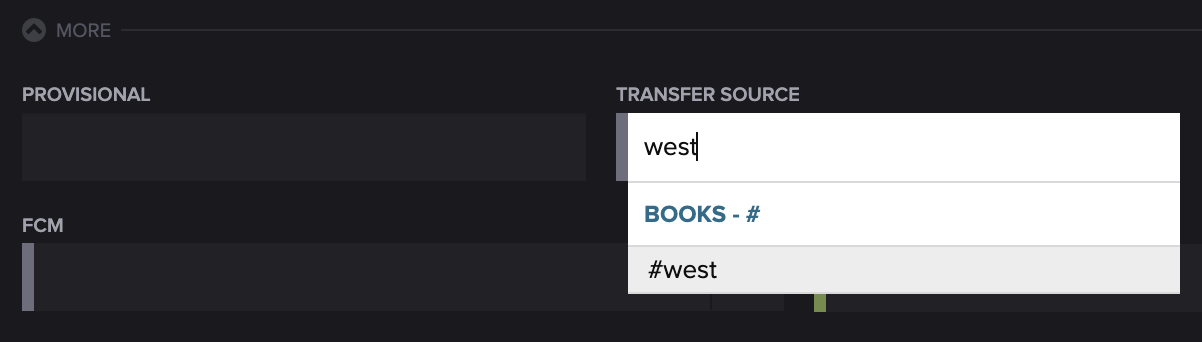
Then, open the "More" panel below the standard trade entry fields, and enter a book in the **transfer source** field**.**
The Save button will turn into a **Save Transfer** button. When you click it, Molecule will book two trades.
The first trade reverses the position (in terms of the Product and Quantity entered) from the book in the **transfer source** field. The second adds the position into the book entered in the **tags** field.