# How to Generate an API Token

#### Follow the instructions below to generate a token to access Molecule's API:<br>

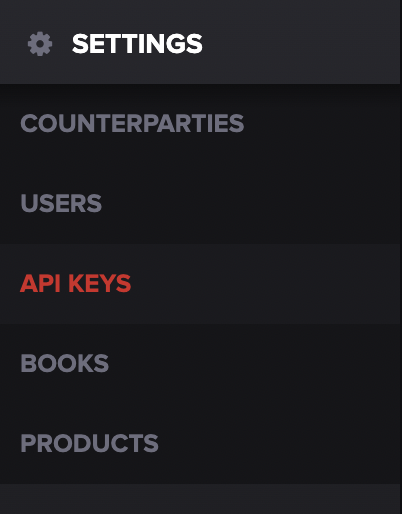
1. In Molecule, click **SETTINGS** on the left-hand navigation bar, then click **API KEYS**. If you don't have access to this menu, please get in touch with your admin, or our CS team, for assistance.

<div align="center"><figure><img src="https://files.helpdocs.io/56bu62syz9/articles/xqkl6tx8fz/1689284790194/file-aei-1-aoekuh.png" alt="" width="375"><figcaption></figcaption></figure></div>

2. Click **REVOKE TOKEN**

<div align="center"><figure><img src="https://files.helpdocs.io/56bu62syz9/articles/xqkl6tx8fz/1689265008254/file-ftf-9-fs-gh-96.png" alt=""><figcaption></figcaption></figure></div>

3. Generate your API key by clicking the **+ GENERATE TOKEN** button that appears&#x20;

<div align="center"><figure><img src="https://files.helpdocs.io/56bu62syz9/articles/xqkl6tx8fz/1689265008578/file-xu-cw-6-po-fd-k.png" alt=""><figcaption></figcaption></figure></div>

4. Copy the key down and store it in a safe place. For security purposes, the key will not be displayed again.

\
That should do it!
<br>