# How to Create a New Asset
#### BEFORE STARTING
You will need the permission **CREATE ASSETS** to be able to complete these instructions. Please see your Molecule admin if you do not have access.
#### Steps
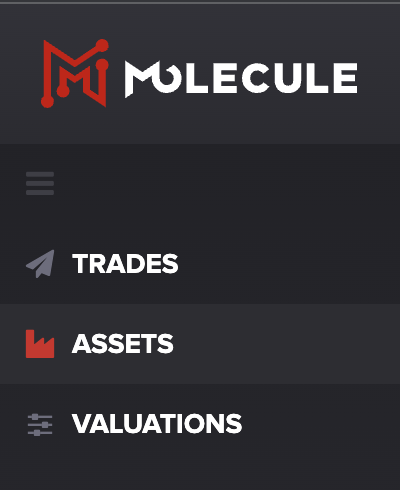
Navigate to the **ASSETS** screen using the main drop-down menu:
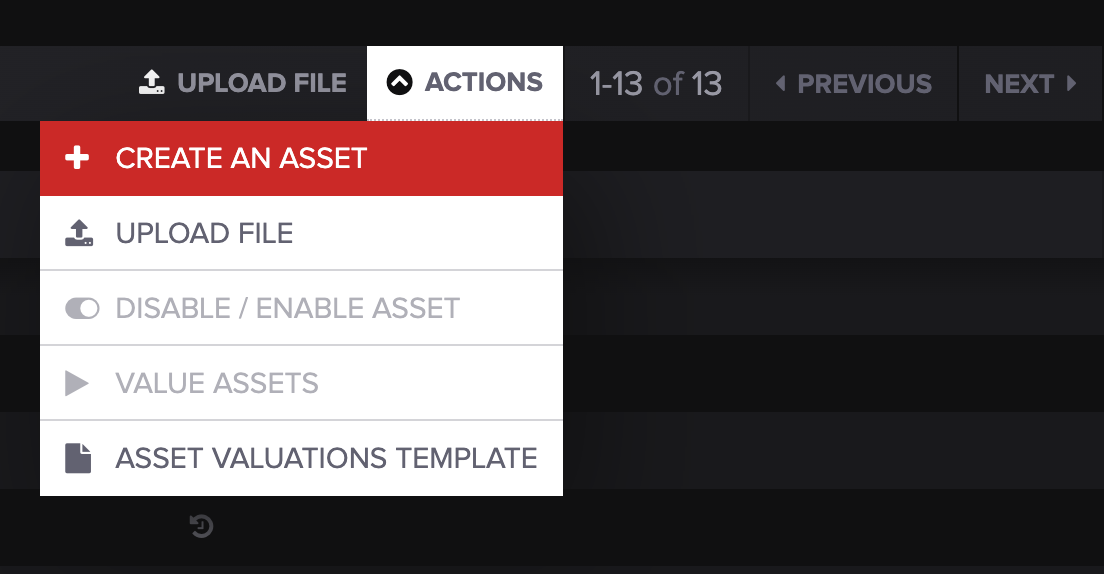
Open the **ACTIONS** drop-down menu on the right-hand side of the screen, and select **CREATE AN ASSET:**
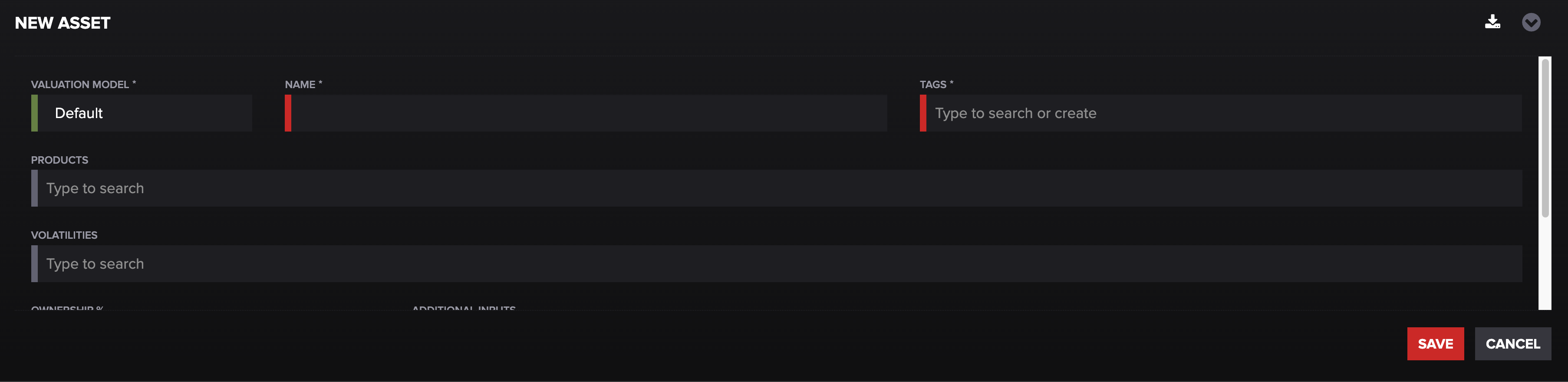
At the bottom of the screen, you can enter the Asset details, and click **SAVE:**
#### Notes
1. When entering the details of the asset, please follow the established patterns for your account and guidance provided by your implementation team.
2. If you are unsure of the correct values for any of the fields, please contact your implementation team or Molecule Support.
Once the asset is set up, you can add asset entries via API or Excel upload.
For Excel upload, see Importing Asset Valuation Data.
***
***
---
# Agent Instructions: Querying This Documentation
If you need additional information that is not directly available in this page, you can query the documentation dynamically by asking a question.
Perform an HTTP GET request on the current page URL with the `ask` query parameter:
```
GET https://help.molecule.io/onboarding/welcome-and-getting-started/how-to-create-a-new-asset.md?ask=
```
The question should be specific, self-contained, and written in natural language.
The response will contain a direct answer to the question and relevant excerpts and sources from the documentation.
Use this mechanism when the answer is not explicitly present in the current page, you need clarification or additional context, or you want to retrieve related documentation sections.