# How to Clone a Trade
Release #241, on June 14, 2022, introduced the ability to easily clone a trade following these instructions.
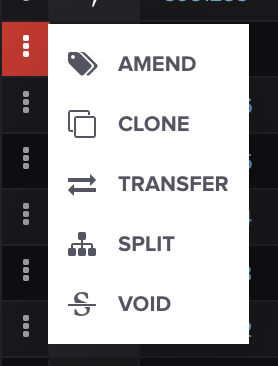
On the **TRADES** screen, find the trade you wish to clone, click the three dots on the left-hand side and select **CLONE** from the drop-down menu:
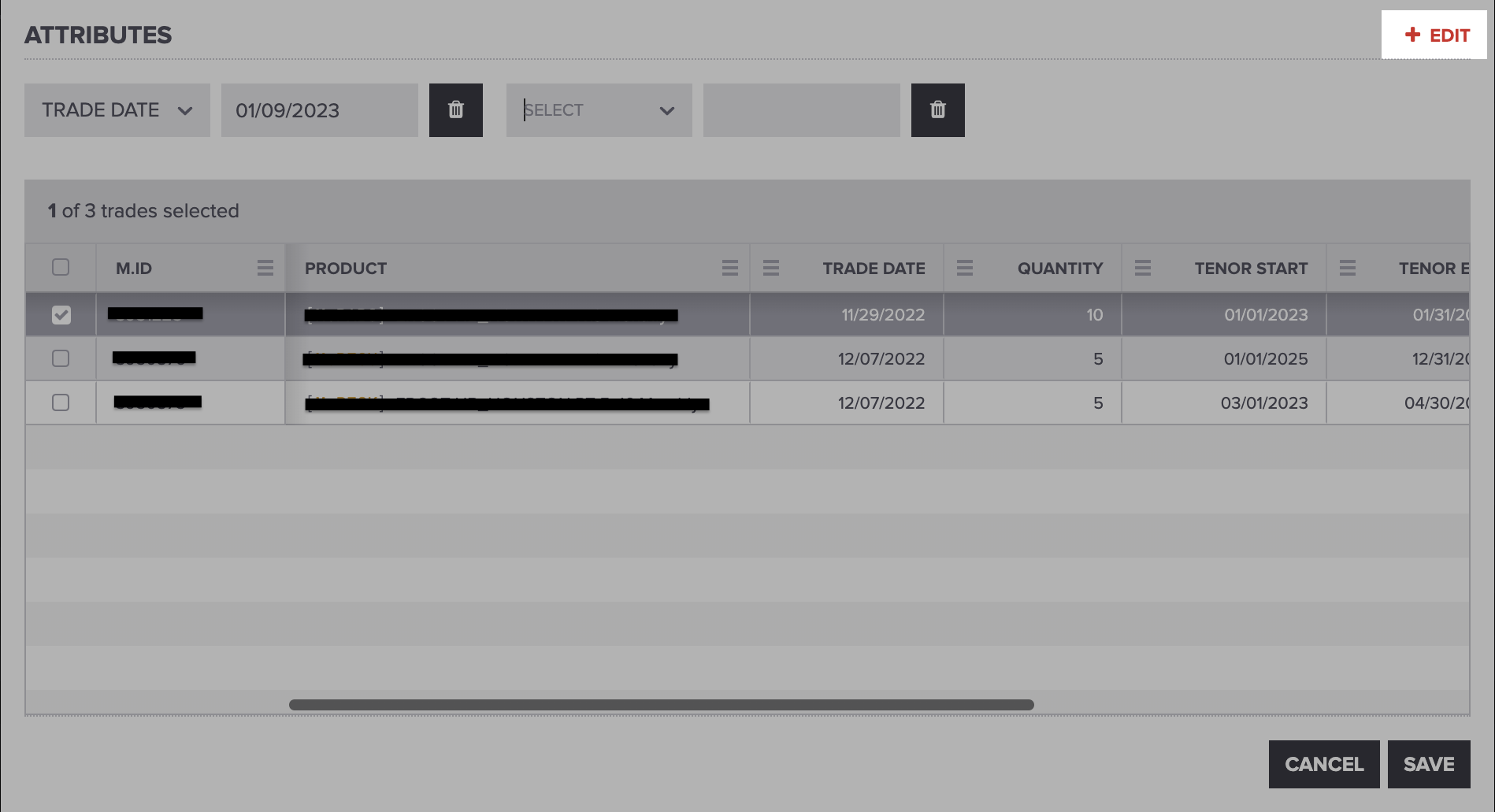
To add an attribute to change, click **+ EDIT** for a new attribute row to appear, as shown below:
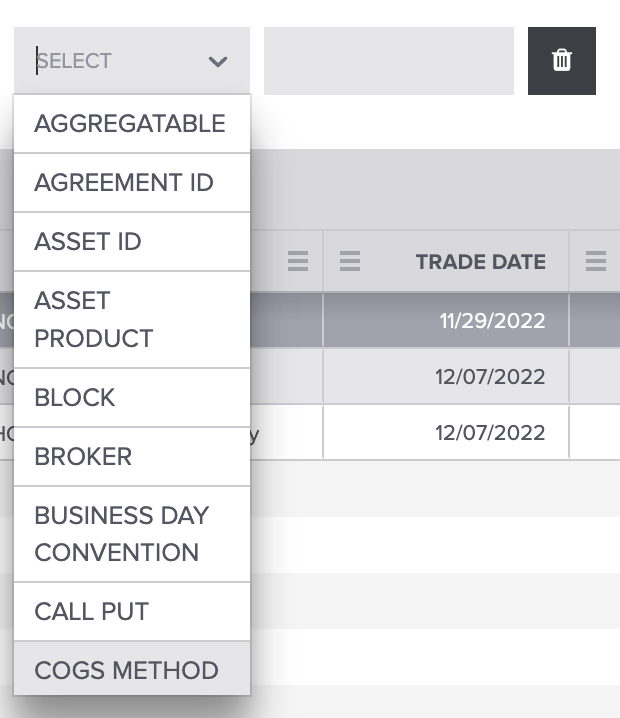
Select the attribute you wish to change and enter the value:
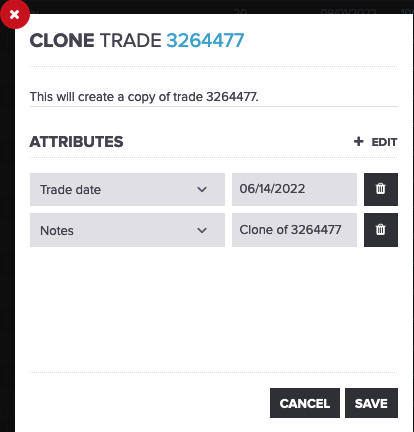
Once you've changed the attributes, click save, and the trade will be cloned. The resulting trade will be identical to the source trade, with the exception of the changed attributes on the clone form and any audit-related attributes, such as created and updated timestamps.
#### Cloning Group Trades
To clone group trades, check out our [How to Group Trades](https://help.molecule.io/article/169-how-to-group-trades) article. Then, hover your mouse over the commodity icon of the trades you'd like to group. When you're finished, your grouped trades should look like this:
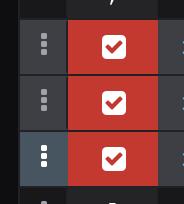
Next, follow the steps above to clone your group trades.
#### Additional Notes:
* Trade attribute external\_source will be set with a value of "clone" on the new trade.
* Trade attribute external\_exec\_id will be unset on the resulting trade to avoid any possible unexpected results with API logic to dedupe trades.
* If no trade date is provided, the resulting trade will have a trade date equal to the user's local date at the time of cloning the trade.
That's it! We hope this will save you some time. If you have any questions, please let us know at
---
# Agent Instructions: Querying This Documentation
If you need additional information that is not directly available in this page, you can query the documentation dynamically by asking a question.
Perform an HTTP GET request on the current page URL with the `ask` query parameter:
```
GET https://help.molecule.io/onboarding/welcome-and-getting-started/how-to-enter-a-trade/how-to-clone-a-trade.md?ask=
```
The question should be specific, self-contained, and written in natural language.
The response will contain a direct answer to the question and relevant excerpts and sources from the documentation.
Use this mechanism when the answer is not explicitly present in the current page, you need clarification or additional context, or you want to retrieve related documentation sections.